

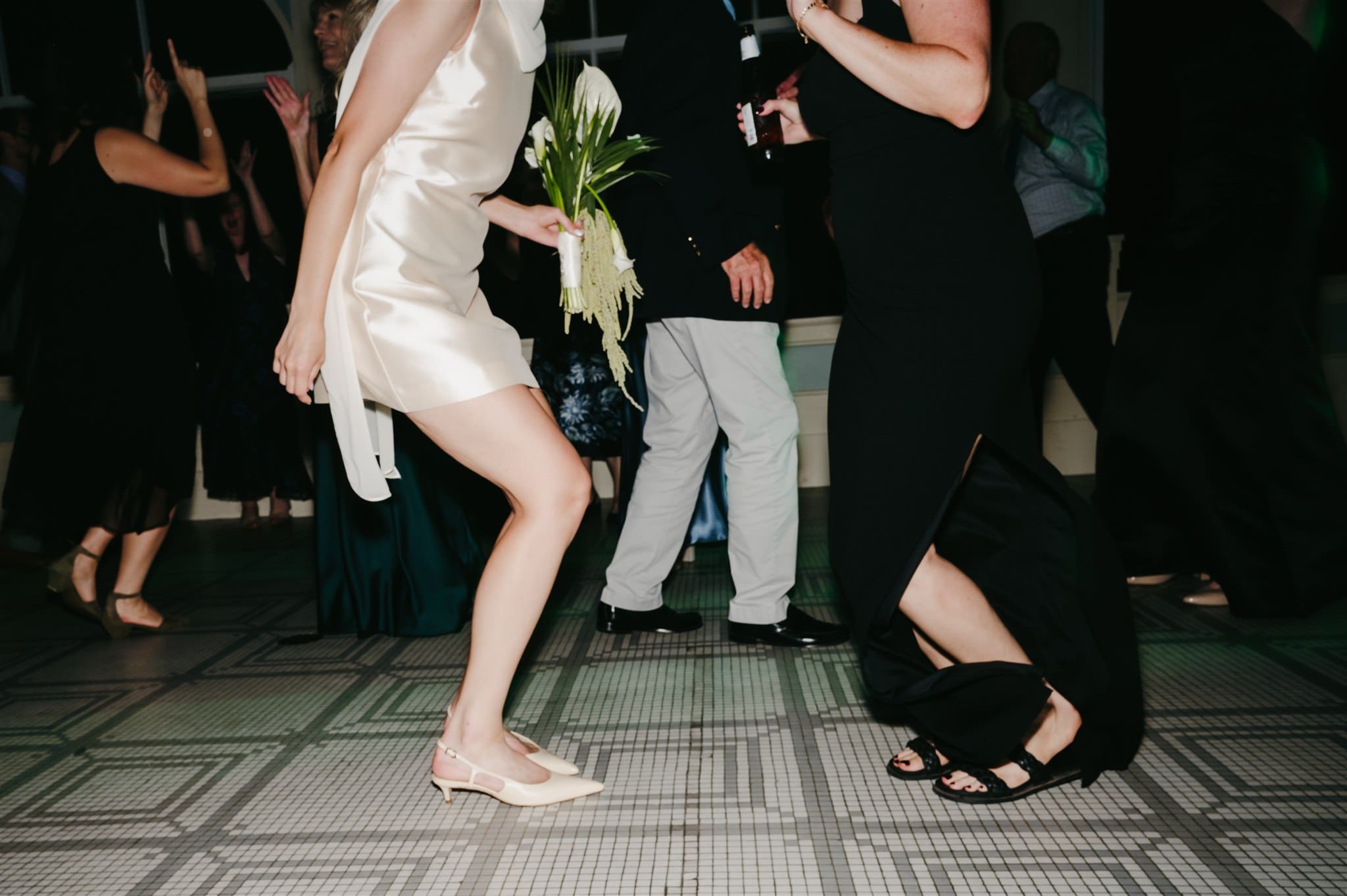
You said your vows, poured a few drinks, threw your shoes off on the dance floor maybe even slept in with a slice of cake for breakfast (as you should) — but for me, the work is just getting started after I hug you goodbye. Once I get home, it’s makeup off, sweats on, and time to start turning your wedding day into the gallery you’ll obsess over for years.
From backing up your photos (in like, three places) to culling, editing, and finally delivering your gallery, here’s a little behind-the-scenes peek at how your wedding photos go from memory card to final gallery.
Step 1: Backup
First things first: your photos get backed up the second I walk through the door. The camera I use has dual card slots so photos are automatically saved to two cards simultaneously (aka: your images are already backed up while I’m shooting), and when I get home, I copy everything onto:
- My main working hard drive
- A cloud backup for extra safety
- Memory card gets labeled with the couple’s name and put it in my drawer where it stays until the final gallery has been delivered
Step 2: Pre-Cull & Sneak Peeks
First thing Monday after a wedding, I dive into what I call my “first round cull” — basically just a super quick pass through alllllllll of the photos (often 5,000+ 😮💨) to get ready to edit sneak peeks. This isn’t the full sort-through yet, just a way to get my eyes on what we captured throughout the day and reduce the photo count enough to move quickly through sneaks.
I run everything through Aftershoot using the strictest settings to cut down the extras. Then I import the selects into Lightroom, build smart previews, and start popping through to all the key moments:
- Details
- First look
- Portraits
- Friends & family
- Walk down the aisle
- First kiss
- Golden hour
- First dances
- Dance floor energy
I pull about 50+ favorites, give them a quick edit, and send them off to you — usually within a couple days of the wedding. That way, you’ve got gorgeous sneak peeks to share (or just obsess over privately) while I take my time to slowly pore over your gallery and perfect the final.
Step 3: Prep for Outsourcing
Once I’ve sent off the sneak peeks, I’ll go ahead and prep the catalog for outsourcing the next cull. Here’s that process:
- Import all RAW files to Lightroom & create smart previews on import
- Export the catalog with smart, zip it, and upload it to Dropbox for my team to assist with the final selection.
Side note: I hateeee culling and outsourcing this step to someone I TRUST has been life-changing!
Step 4: Catalog Prep
Once the culled catalog comes back, I jump into organizing everything before I start editing. If you’re into the behind-the-scenes stuff, I’ve got a blog post that dives deeper into how I structure my catalogs — but here’s the quick version: I break the gallery into chunks which helps me edit more efficiently (and gives me little wins along the way).

